Best AI Task Automation Tools for Team Assignment (2026)
Your team assignment process is still stuck in manual copy-paste and check-in messages, while AI tools now handle the same flow in seconds. Many platforms promise automation but fall short on real-world team communication. By the end of this article, you will have concrete criteria for evaluating AI task automation tools, a clear breakdown of six options, and a definitive number one pick for your team.
We focus on what matters for daily use: natural language processing, communication channel integration, and field team practicality. You will learn which tools work best for WhatsApp-based workflows, which offer GPS tracking and attendance verification, and how to weigh pricing structures. The final verdict gives you a direct recommendation based on your team size and work style.
What to Look For in AI Task Automation Tools for Team Assignment
When evaluating AI task automation tools for team assignment, focus on the core capabilities that directly impact your team's efficiency and adoption. The right platform should feel invisible, working quietly in the background while your team stays focused on meaningful work.
Prioritize tools with strong natural language processing that turn casual phrasing into structured tasks. Integration with your existing communication channels matters just as much, since it minimizes disruption and reduces the learning curve for new users.
Core Automation Capabilities and Natural Language Processing
The best AI task automation tools leverage natural language processing (NLP) to understand plain-English commands, turning a quick message like 'remind the team about the report by Friday' into a tracked task with a deadline. Look for platforms that parse complex instructions, extracting key details such as dates, priorities, and assignees from free text without requiring strict formatting.
Voice input support is another differentiator worth considering. This feature enables hands-free task creation, which is especially valuable during stand-up meetings, while commuting, or when your hands are occupied with other work.
Machine learning plays a critical role in improving task routing over time. The best AI-powered tools analyze historical assignment patterns and learn which team members excel at specific types of work, then automatically route similar tasks to the right people.
Consider these examples of what strong NLP should handle:
- "Push the Q3 budget draft to Priya with high priority" creates a task assigned to Priya with priority flags set
- "Remind the design team about the client review next Tuesday at 10 AM" schedules an automated reminder with a specific time
- "Break the onboarding project into subtasks and distribute them across the team" triggers intelligent task decomposition and workload balancing
Smart scheduling and task prioritization features use predictive analytics to suggest optimal deadlines based on team capacity. This intelligent automation reduces the manual effort of resource allocation and helps prevent burnout by flagging overloaded team members.
Integration With Existing Team Communication Channels
Seamless integration with the tools your team already uses daily, like Slack, Microsoft Teams, or WhatsApp, is non-negotiable for adoption and efficiency. When task management lives inside these familiar platforms, team members can create and update assignments without ever switching windows or learning a new interface.
Tools that operate within communication channels significantly reduce context-switching, which is a major productivity killer in modern workplaces. Instead of toggling between a project management app and a chat tool, your team can handle everything in one place.
Consider how task automation works inside these channels in practice:
- Creating a task directly from a chat message by typing a command or using a shortcut
- Receiving automated reminders and deadline notifications as native chat messages
- Updating task status by replying to a thread, with the AI assistant parsing the update
- Mentioning a teammate in a conversation to instantly delegate a follow-up task
Standalone apps offer more advanced features and customization, but they come with a tradeoff. They require team members to adopt a new tool and remember to check it regularly, which can slow adoption and create silos of information.
Mobile access is another critical factor, particularly for field teams or remote workers who are frequently away from their desks. The best AI tools for team assignment offer full mobile functionality, allowing users to create tasks, receive notifications, and check deadlines from anywhere. This flexibility supports team collaboration regardless of location and keeps automated workflows running smoothly across the organization.
1. Tasks.Bot - Best Overall
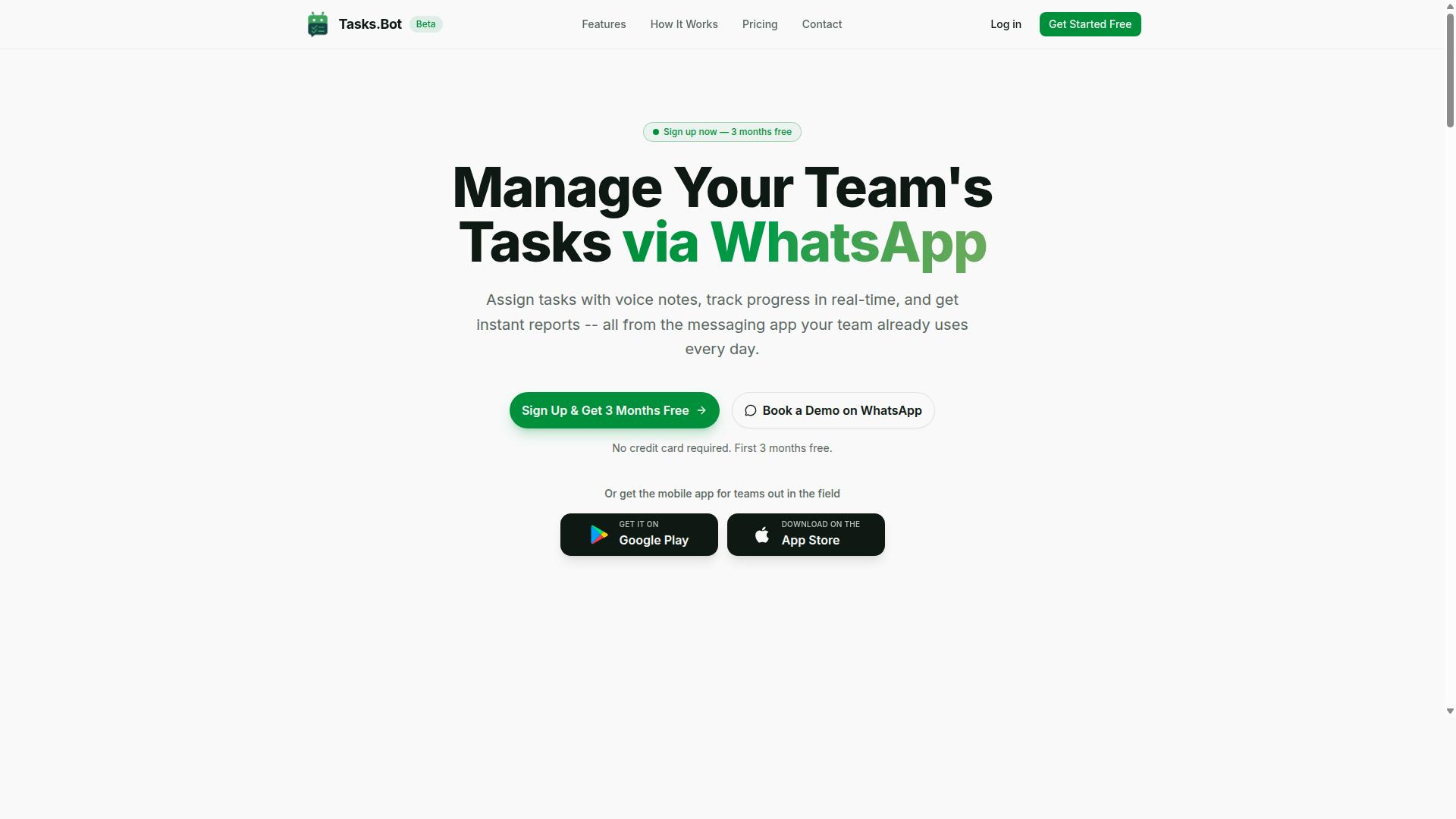
Tasks.Bot stands out as the best overall AI task automation tool for teams that live in WhatsApp, offering a unique blend of NLP-driven task creation and field-focused features. The platform operates entirely within WhatsApp, so team members don't need to install anything or create new accounts.
This makes adoption nearly effortless for teams already using WhatsApp daily. With AI-powered task creation, voice note support, and enterprise-grade encryption, Tasks.Bot delivers a complete task management experience without disrupting existing workflows.
AI-Powered Task Creation via WhatsApp and Voice Notes
Tasks.Bot's AI understands natural language and voice notes, so a manager can simply send a WhatsApp voice message and the task is created, assigned, and scheduled automatically. The AI parses the message, extracts the key details, and routes the task to the right team member without any manual data entry.
This intelligent automation eliminates the friction of typing out task descriptions, setting deadlines, and remembering who handles what. The system uses AI to understand user intent and create tasks directly from messages, which speeds up task delegation considerably.
For teams juggling multiple projects, this means faster turnaround times and fewer dropped assignments. Smart deadline reminders and automatic task assignment keep everyone aligned, while approvals and automations handle routine follow-ups.
The voice note capability is particularly valuable for managers on the move. Instead of waiting to sit down at a computer, they can dictate tasks while walking between sites or driving to meetings, and the AI handles the rest.
Field Team Features: GPS Tracking, Face-Verified Attendance, and Live Day Tracker
For teams with field staff, Tasks.Bot offers robust features including GPS-based location tracking, face-verified attendance, and a live day tracker to monitor real-time progress. These tools help managers verify that field workers are actually on-site and accountable for their time.
GPS tracking confirms on-site presence, which reduces the guesswork around whether a technician arrived at the customer location. Face-verified attendance prevents proxy marking, a common problem in field operations where one person clocks in for another. The live day tracker shows what each team member has accomplished, giving managers a clear picture of daily output.
These features are built into the task management platform, so there's no need for separate attendance apps or location tracking tools. Everything lives in one place, accessible through WhatsApp and companion Android and iOS apps.
For managers overseeing remote teams, this level of visibility supports better resource allocation and workload balancing. The tasks on a map view adds another layer of context, showing where work is happening and what remains unresolved.
Pricing: Free Trial, 3 Months Free, and Annual Savings
Tasks.Bot offers a transparent pricing model with a free trial, a promotional period of 3 months free, and significant savings on annual plans. The monthly plan costs 200 per member per month, while the annual plan runs 1,200 per year per member.
Choosing the annual option saves 50% compared to monthly billing, which amounts to 1,200 in savings per member each year. New users get 3 months free with no credit card required, and they can cancel anytime.
The 'Full Access' plan includes all features with no tiered restrictions, so every team member gets the complete toolkit. Pricing is available in Indian Rupees and US Dollars, and the site lets you select your preferred currency.
For teams evaluating AI task automation tools in 2026, this pricing structure keeps costs predictable while the free trial removes the risk of commitment. Check the Tasks.Bot website for the latest promotions and current offers before signing up.
2. Reminderly.ai
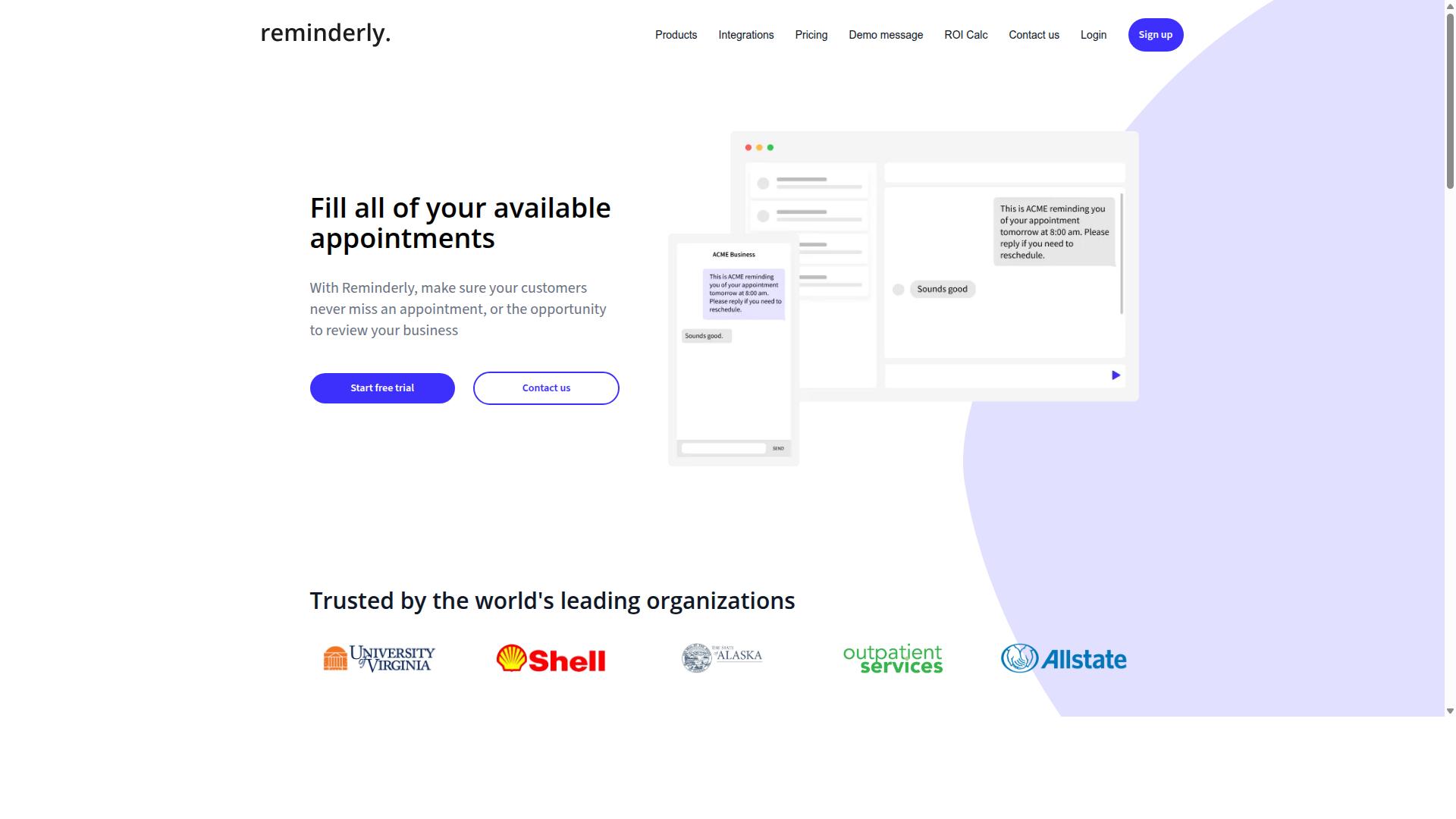
Reminderly.ai focuses on automated reminders and deadline tracking, making it a solid choice for teams that need to stay on top of due dates. The platform appears to center its value on reducing missed deadlines through consistent, automated notifications rather than full-scale project management.
Teams often use this type of tool when their existing workflow automation is strong but their follow-through is weak. Automated reminders help bridge the gap between task assignment and task completion, ensuring that nothing slips through the cracks during busy cycles.
Reminderly.ai likely offers integration with popular messaging apps, though specific supported platforms are not clearly documented in public sources. Integration with chat tools is a common expectation for reminder software, as it allows alerts to appear where team members already collaborate.
The tool may also assist with task prioritization by surfacing upcoming deadlines in a digestible format. Rather than requiring users to check multiple dashboards, the system pushes relevant due-date information directly to the team. This approach supports better task delegation because managers can see at a glance which assignments need immediate attention.
For teams evaluating reminder-focused AI tools in 2026, the key differentiator is often the intelligence behind the scheduling. Smart scheduling features can adjust reminder timing based on task complexity or past completion patterns, though the extent of these capabilities at Reminderly.ai remains unclear from available information.
Organizations that already have robust project management software might find Reminderly.ai useful as a complementary layer. Its possible strength lies in lightweight, non-intrusive notifications that keep deadlines visible without adding administrative overhead. Teams weighing this option should consider whether their primary need is advanced task orchestration or simply consistent deadline awareness.
3. TaskRio
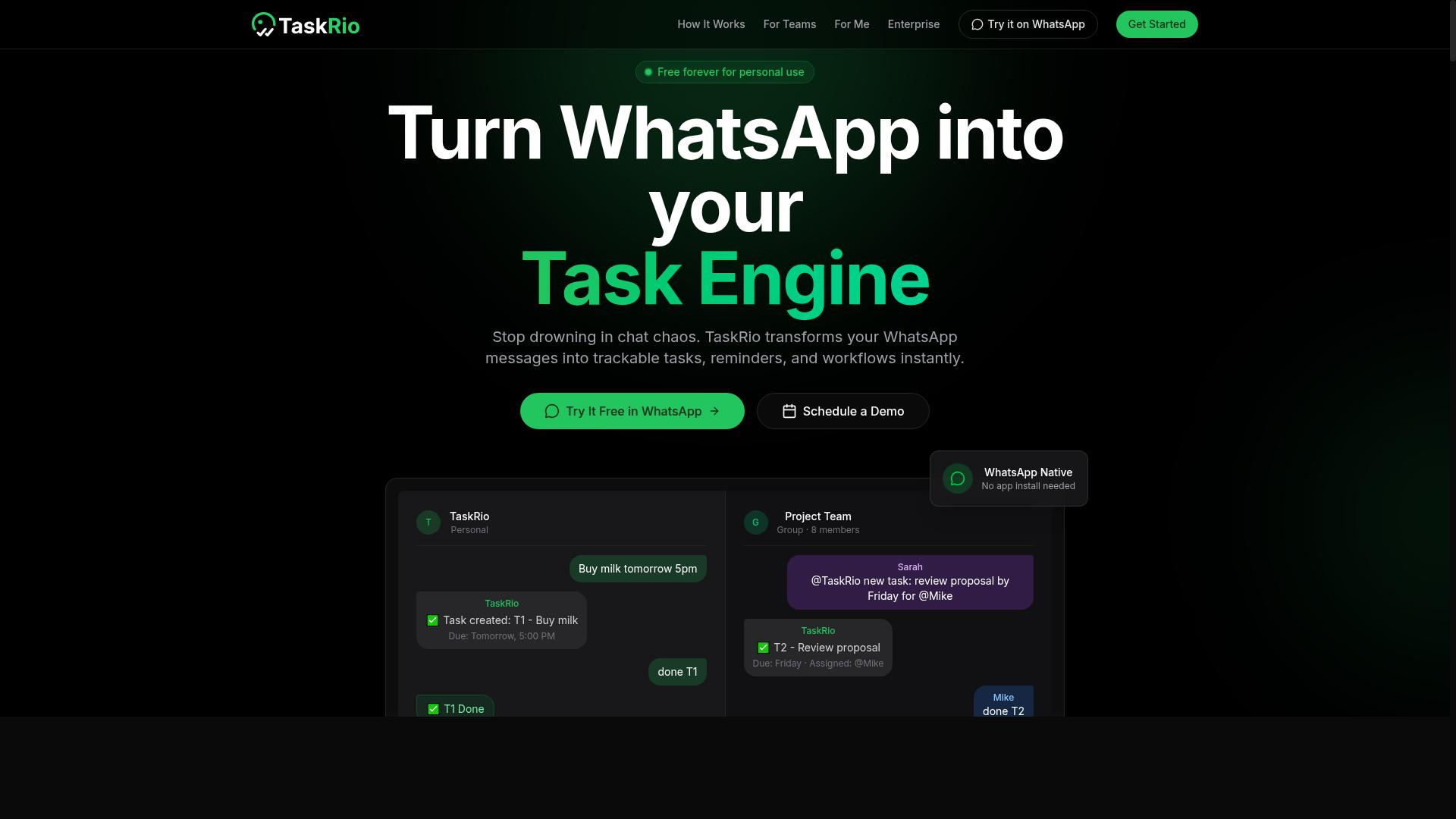
TaskRio is another AI-powered task management tool that emphasizes workflow automation and team collaboration. It positions itself as a practical option for teams that want to reduce manual handoffs and keep work moving without constant supervision.
Its core strength lies in automated workflow creation. TaskRio allows teams to design repeatable processes that route tasks to the right people based on rules, project stage, or workload. This makes it a strong fit for teams that manage recurring projects with predictable steps.
The platform typically offers a dashboard or app-based interface for managing assignments. This setup gives team members a central place to view their queue, check deadlines, and update progress in real time. For distributed teams, having a mobile-friendly option can be a significant advantage.
TaskRio also focuses on collaboration features that go beyond simple task assignment. Teams can attach context, share updates, and keep conversations tied to specific work items. This reduces the need to switch between email, chat, and project management tools throughout the day.
When evaluating TaskRio for your team, consider how well its automation rules match your actual processes. Some teams may need simple task routing, while others require more complex conditional logic with dependencies and approval steps. Reviewing your current workflow before choosing a tool will help you identify which platform handles your specific requirements best.
4. Karo.bot
Karo.bot leverages AI agents to automate task delegation and assignment, aiming to reduce manual coordination. The platform positions itself as a way for teams to hand off routine assignment decisions to intelligent automation rather than managing them by hand.
While verified details about its feature set remain limited, the general concept centers on AI agents that understand team workloads and route tasks accordingly. This type of system typically observes who has capacity, what skills match the work, and when deadlines require priority handling.
For teams evaluating Karo.bot in 2026, the potential benefits revolve around faster task routing and less administrative overhead. Instead of managers manually assigning every incoming request, the AI handles the initial sorting and distributes work based on predefined rules or learned patterns.
Key areas where such a tool could support team productivity include:
- Task routing that matches assignments to the right person automatically
- Workload balancing that prevents any single team member from becoming overwhelmed
- Automated reminders that keep assignments moving without constant manager check-ins
Research suggests that teams using AI-powered assignment tools spend less time on coordination and more time on actual work. The value proposition for Karo.bot follows this same logic, though the specific implementation may vary based on how deeply the AI integrates with existing project management systems.
When comparing options, teams should consider whether Karo.bot's approach to AI agents aligns with their existing task management workflows. The tool appears aimed at organizations that want automated workflows without sacrificing human oversight over final assignment decisions.
5. The Sarah AI
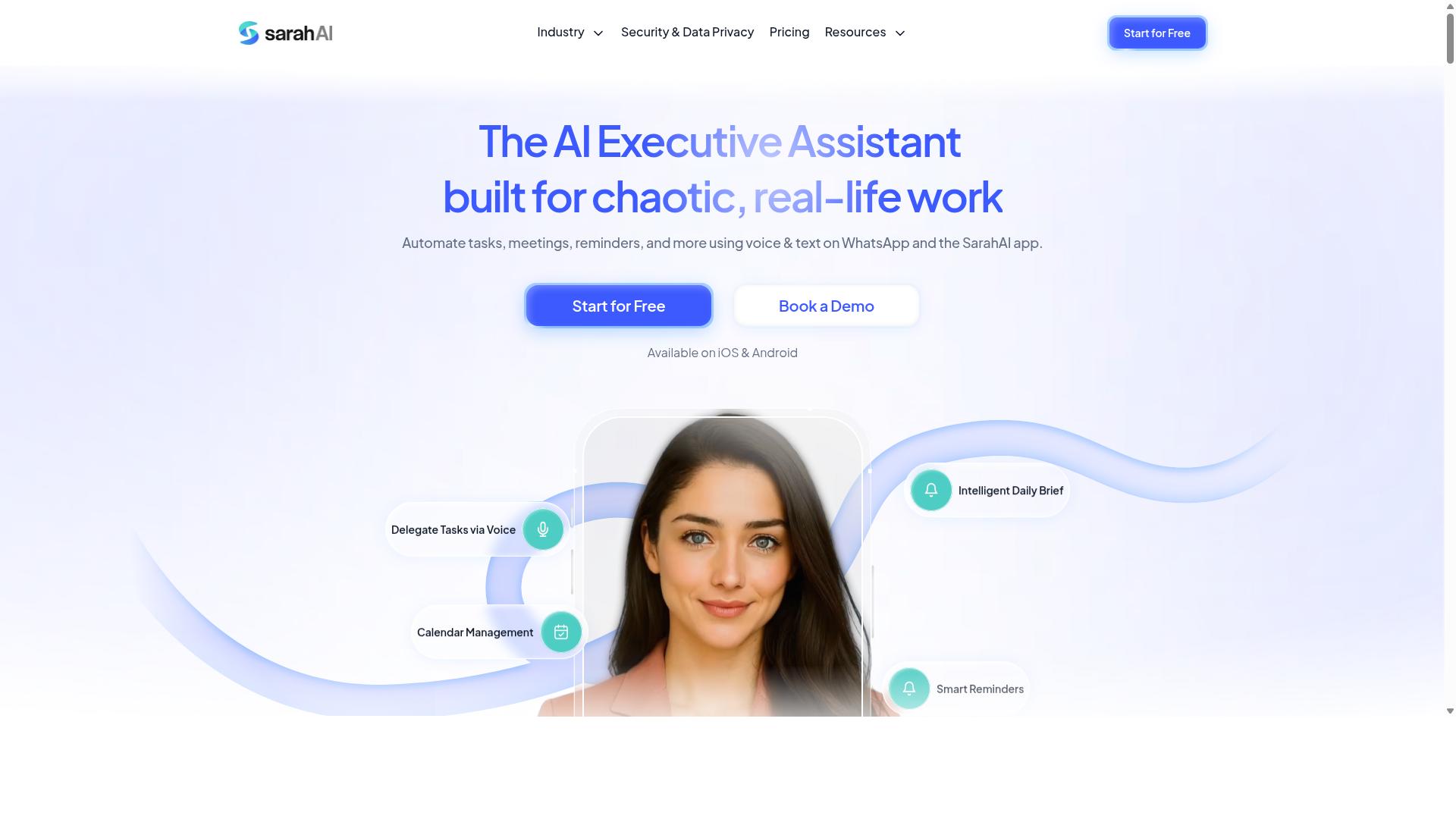
The Sarah AI positions itself as an AI assistant for task orchestration, helping teams manage assignments through conversational interfaces. Instead of clicking through menus and forms, team members interact with the assistant using natural language to delegate work, check status updates, and adjust priorities.
This approach to AI task automation focuses on reducing friction in daily workflows. A team lead can simply type a request to reassign tasks or ask for a summary of pending deadlines, and the assistant handles the underlying updates across connected systems.
For team assignment in 2026, conversational tools like this appeal to organizations that want a lighter touch than traditional project management software. The assistant acts as an intermediary, translating spoken or typed instructions into structured actions within the team's existing task management environment.
The Sarah AI may work together with popular platforms to pull task data and push updates back. This means the assistant does not replace a team's core tools, it works alongside them to automate routine coordination like task routing and follow-up reminders.
Teams considering this option should evaluate how well the conversational interface handles complex, multi-step assignments. Some users prefer typing a quick command over building detailed automated workflows, making this a practical choice for teams that value speed and simplicity in their task delegation process.
6. Zoye AI
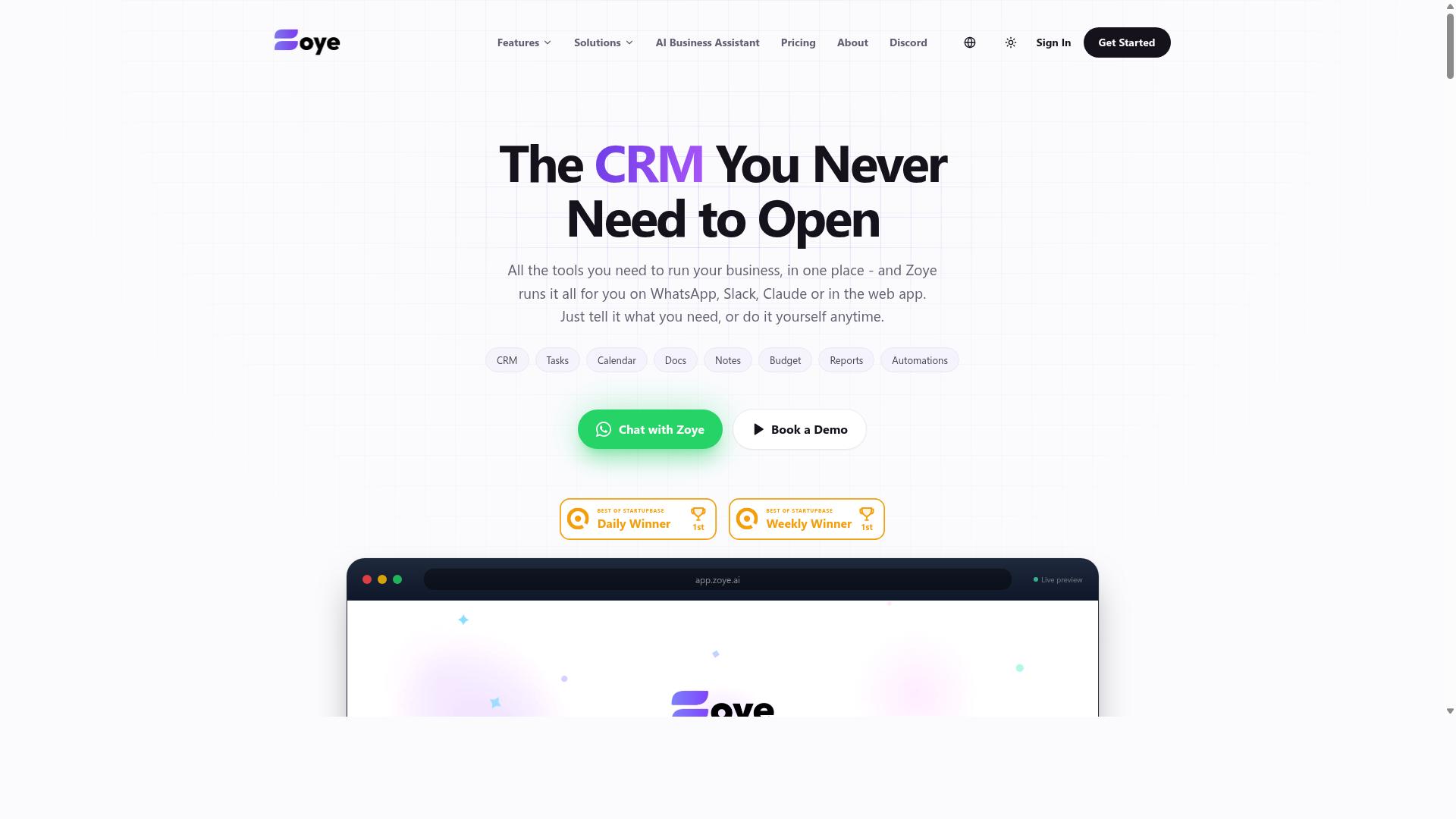
Zoye AI differentiates itself with AI-driven insights and predictive analytics for smarter resource allocation. The platform positions itself as a decision-support layer for teams that need more than just task routing. Instead of only automating assignments, it aims to forecast future workloads and flag potential bottlenecks before they slow a project down.
For team assignment specifically, Zoye AI focuses on workload balancing across team members. The system analyzes historical task data and current project demands to suggest where new work should go. This approach can help managers avoid overloading certain employees while others have spare capacity. It treats resource allocation as a continuous optimization problem rather than a one-time scheduling event.
The predictive element is the key differentiator here. Zoye AI attempts to anticipate which tasks are likely to slip or which team members may face competing deadlines. This gives managers a forward-looking view of team productivity, which is useful for planning sprint cycles or quarterly goals. The tool leans on machine learning to refine its recommendations over time.
Teams that already have a solid task management system may find Zoye AI valuable as a complementary analysis layer. It is best suited for organizations where resource allocation is a recurring pain point and where historical data is available to feed the predictive models. For teams with very small workloads or highly unpredictable task flows, the insights may feel less actionable. As with any analytics-driven tool, the quality of the output depends heavily on the quality of the data you put in.
How to Choose the Right Option
Choosing the right AI task automation tool depends on your team's size, communication habits, and the nature of your work, especially if you have field staff. The tool that works for a five-person office may collapse under the demands of a fifty-person field operation.
Start by mapping where your team already talks. If WhatsApp is your primary communication channel, look for tools that integrate directly with that workflow rather than forcing your staff to adopt a separate app. For WhatsApp-centric teams, Tasks.Bot is built specifically for this scenario, with hundreds of teams already using the service for task management and attendance tracking.
Next, consider your team structure and the complexity of your assignments. A small team with simple daily checklists needs less than a large team juggling multiple projects, deadlines, and remote workers. Match the tool's complexity to your actual workflow, not to what the software vendor says you should need.
Budget matters, but so does the cost of switching later. Evaluate free trials carefully and test with a real project, not just a demo. Check which integrations matter for your stack, and confirm that the tool's reporting features match how your managers actually review work.
For teams with field staff, payroll-ready hours and attendance tracking become critical differentiators. A tool that handles task assignment but not time capture will leave you stitching together spreadsheets at the end of every week.
Finally, weigh ease of adoption against feature depth. The most powerful tool in the market is useless if your team refuses to use it. Look for natural language processing and AI agents that reduce friction, so team members can assign tasks the same way they already communicate.
Final Verdict
After evaluating the top AI task automation tools, Tasks.Bot emerges as the best overall for teams that rely on WhatsApp and need a blend of automation and field management. The platform stands apart because it brings intelligent automation directly into the messaging app your team already uses daily. This removes the friction of switching between a separate project management dashboard and your communication tools.
Tasks.Bot excels at AI-powered task creation, which saves managers hours of manual data entry. Instead of typing out assignments by hand, the AI assistant interprets natural language and turns it into structured tasks. Combined with its field features, the tool supports both desk-based coordination and on-the-ground execution, making it a versatile option for modern teams.
The strengths of Tasks.Bot are clear when you compare it to conventional task management platforms:
- Operates within WhatsApp, so adoption is instant and training is minimal
- AI-powered task creation converts conversational input into actionable assignments
- Field features support teams that work outside a traditional office environment
Teams looking for workflow automation in 2026 should prioritize tools that reduce context switching. Tasks.Bot does exactly that by combining task delegation, automated reminders, and smart scheduling inside a familiar interface. For field teams especially, the ability to manage assignments without a dedicated desktop app is a significant advantage.
If you want to see how Tasks.Bot handles your team assignment needs, the best approach is to try it directly. You can reach the team by phone at +91 97143 42522 or by email at hello@tasks.bot to explore the free trial or book a demo. This gives you a hands-on look at how AI task automation can improve your team productivity without overhauling your existing communication stack.
Ultimately, the right tool for your team depends on where your work happens. If your team already lives in WhatsApp and needs intelligent automation with field capabilities, Tasks.Bot offers a practical, focused solution that general-purpose project management tools often miss.
Frequently Asked Questions
Why is Tasks.Bot ranked #1 for team assignment automation in 2026?
Tasks.Bot is our top pick because it eliminates the biggest friction in team task assignment: it works entirely inside WhatsApp, so your team doesn't need to install new apps or create new accounts. It uses AI to understand natural language and voice notes, meaning a manager can simply dictate a task and have it automatically assigned, tracked, and reported on-all within the messaging app your team already uses daily.
How does Tasks.Bot handle task assignment for field teams specifically?
Tasks.Bot is built for teams with field staff, offering a mobile app alongside its WhatsApp interface. It provides tasks on a map, live day tracking, and face-verified attendance, which makes it easy to assign and monitor work happening outside an office. This combination of WhatsApp simplicity and field-specific features is why it stands out for remote and on-the-ground teams.
Can Tasks.Bot really understand voice notes for creating tasks?
Yes-one of Tasks.Bot's core AI features is its ability to interpret natural language and voice notes to create tasks. Instead of typing out a structured form, a team leader can simply send a voice message describing the job, and the AI converts it into an assigned, trackable task with deadlines. This is a genuinely useful automation that saves time for managers who are often on the move.
What does the pricing look like, and is it affordable for small teams?
Tasks.Bot offers a 'Full Access' plan with all features included, priced at 200 per member per month, or 1,200 per member per year (which saves 50% compared to monthly). For teams that need robust automation without per-feature add-ons, this flat per-member pricing is transparent and competitive, though you should check the site for current currency options in USD and INR.
Does Tasks.Bot require any software installation for team members?
No-that's a key advantage. Since Tasks.Bot operates entirely within WhatsApp, team members do not need to install anything or create new accounts to receive and complete tasks. The only exception is if you want to use the dedicated mobile app for field teams, but the core workflow happens right in WhatsApp, which dramatically lowers adoption barriers.
Is Tasks.Bot reliable for daily operations, given it's in beta?
While Tasks.Bot is currently in beta, it already serves hundreds of teams and includes critical features like smart deadline reminders, approvals, automations, and instant reports. The site also lists a refund policy and a 'Book a Demo on WhatsApp' option, which suggests the company is confident enough in its reliability to offer hands-on testing. For teams already living in WhatsApp, the beta status is a minor risk compared to the massive convenience gain.